
Blog
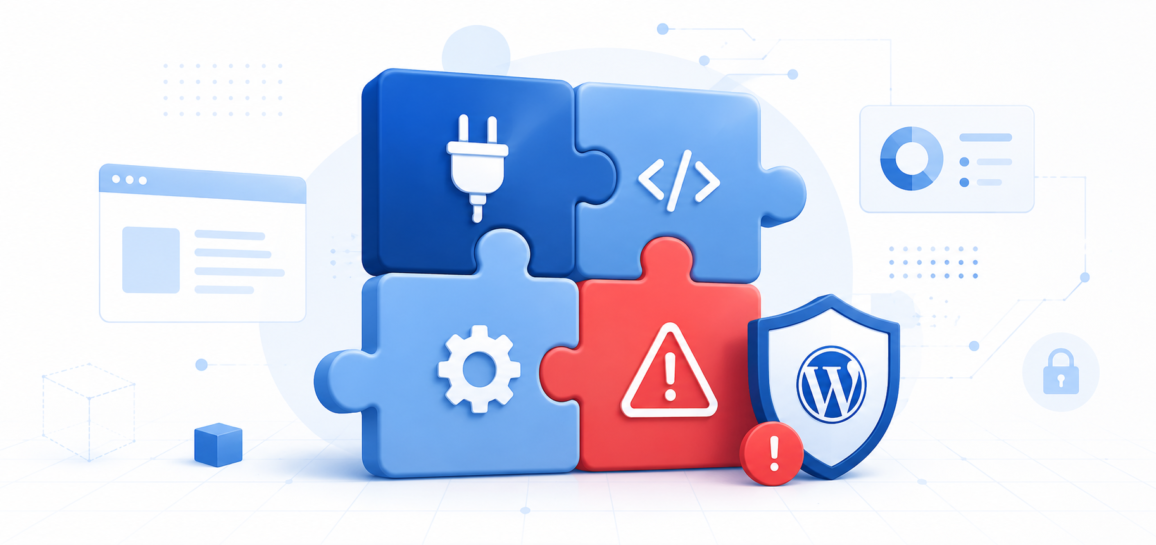
When Good Plugins Go Bad: Managing WordPress Plugin Risk
Plugins are one of the things that make WordPress genuinely powerful. In a few clicks, you can add an eCommerce store, a booking system, a membership portal, or dozens of other features that would otherwise require custom development. But with that flexibility comes risk – and most WordPress site owners underestimate how much their plugin library affects site security, performance, and stability.
Why Plugins Are a Common Attack Vector
Security researchers and attackers both look for vulnerabilities in widely used plugins because the payoff is high. A single flaw in a plugin with a million active installs gives attackers a potential path into a million sites. Unlike WordPress core, which has a large and well-funded security team, individual plugins are often maintained by small teams or solo developers. Response times to discovered vulnerabilities vary widely.
Common plugin-related security issues include:
- Unpatched vulnerabilities in outdated plugin versions
- Abandoned plugins that no longer receive security updates
- Nulled or pirated plugins (free versions of paid plugins distributed illegally) that often contain malware baked in
- Plugins with excessive permissions or database access beyond what their function requires
How to Audit Your Plugin Library
Take an honest look at what you have installed. In your WordPress dashboard under Plugins > Installed Plugins, go through each one and ask:
- Is this plugin actively maintained? Check the plugin page on WordPress.org. If the last update was more than 12-18 months ago and it has not been tested with the current WordPress version, that is a yellow flag. Over two years with no updates is a red flag.
- Am I actually using this plugin? Deactivated plugins that are still installed still exist as files on your server and can still be exploited. If you are not using it, delete it.
- Does this plugin have a good track record? Look at the number of active installs, the rating, the support forum activity, and any open vulnerability reports in the Wordfence Vulnerability Database or WPScan.
- Is there a better alternative? If a plugin you rely on has a poor security track record, it may be worth switching to a better-maintained alternative that offers similar functionality.
Keeping Plugins Updated
Keeping plugins updated is the single most effective thing you can do to reduce plugin-related security risk. Enable automatic updates for plugins where practical, or set a regular schedule to review and apply updates manually. Before updating, especially on production sites with complex setups:
- Back up your site first
- Update on a staging environment if you have one
- Check the plugin’s changelog for any notes about breaking changes
Fewer Plugins, Better Plugins
Every plugin you install adds code to your site, which can affect load time, introduce compatibility issues, and expand your attack surface. A useful mental model: treat each plugin like a contractor you are bringing onto a job site. Only bring in the ones you genuinely need, vet them before you hire them, and cut the ones that are not performing.
A lean plugin setup with well-maintained, reputable plugins will outperform and outrank a bloated setup with a dozen half-functional ones.
If your site has been compromised due to a plugin vulnerability or you want help auditing your current setup, open a support ticket and our team can take a look.
Share this Post


Supercharge Your Website!
Lightning-fast Speed, Robust Security, and Expert Support.

Recent News
-
-
-
5 Signs It's Time to Upgrade Your Hosting Plan
By Wirespan